Administrator/Rules
A user guide for working with rules. We cover how to create and modify rules.
This section deals with managing rules in the system.
Clicking on the Administrator/Rule gives access to the list of rules.
Rules Listing
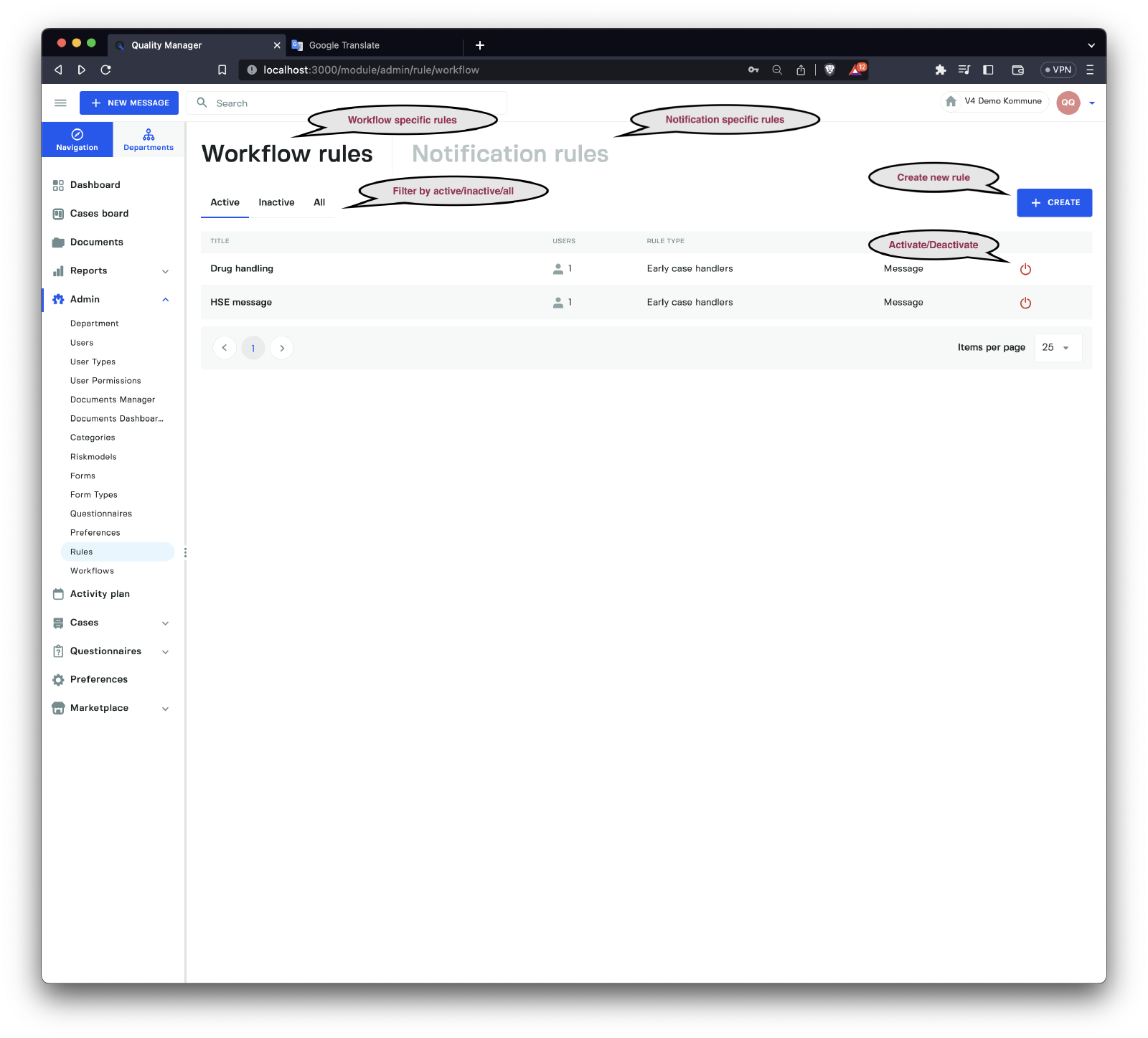

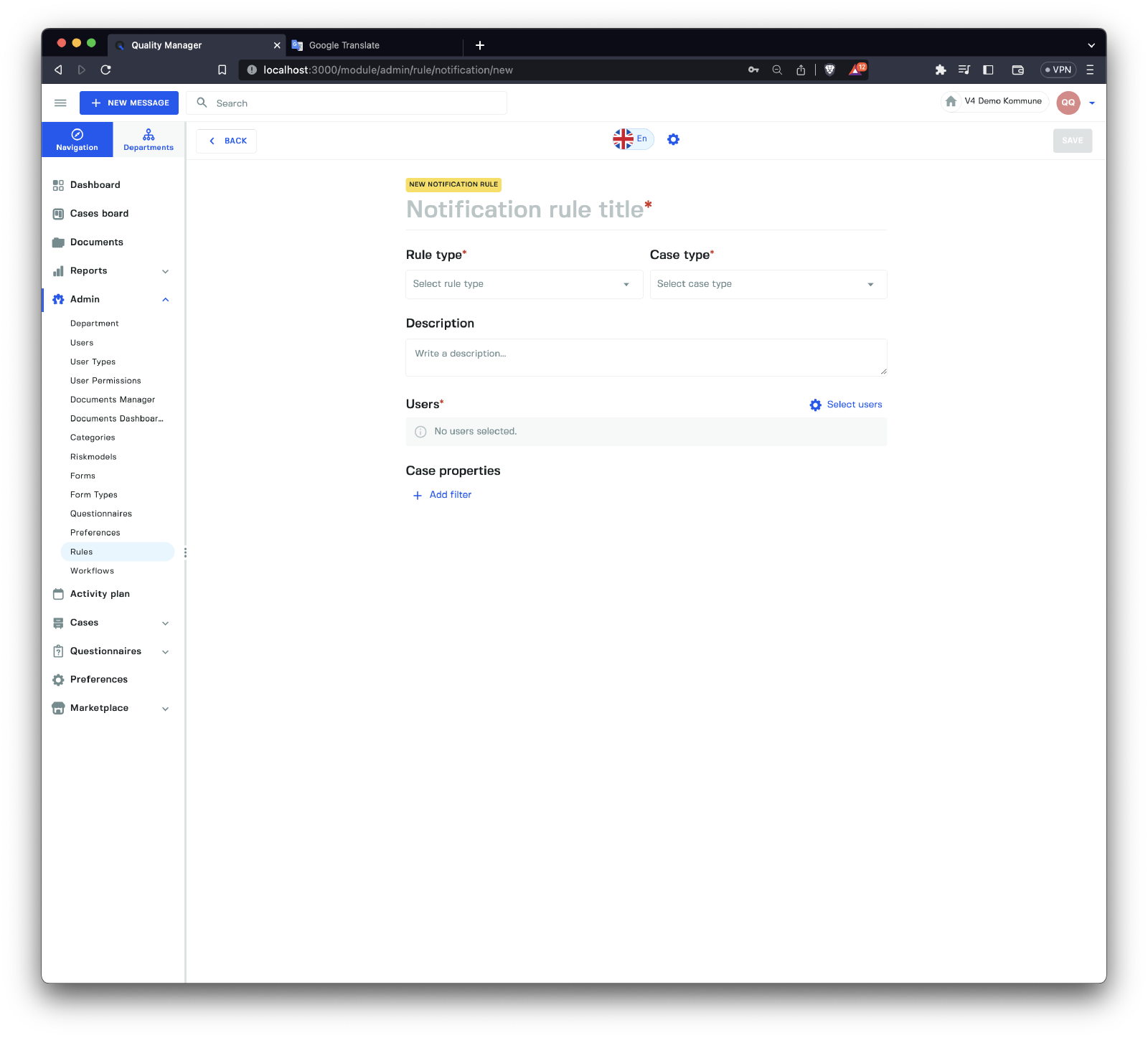
There are two main rules categories.
| Type | Description |
|---|---|
Workflow rules | Rules related to case handling. |
Notification rules | Rules related to sending notifications due to case handling. |
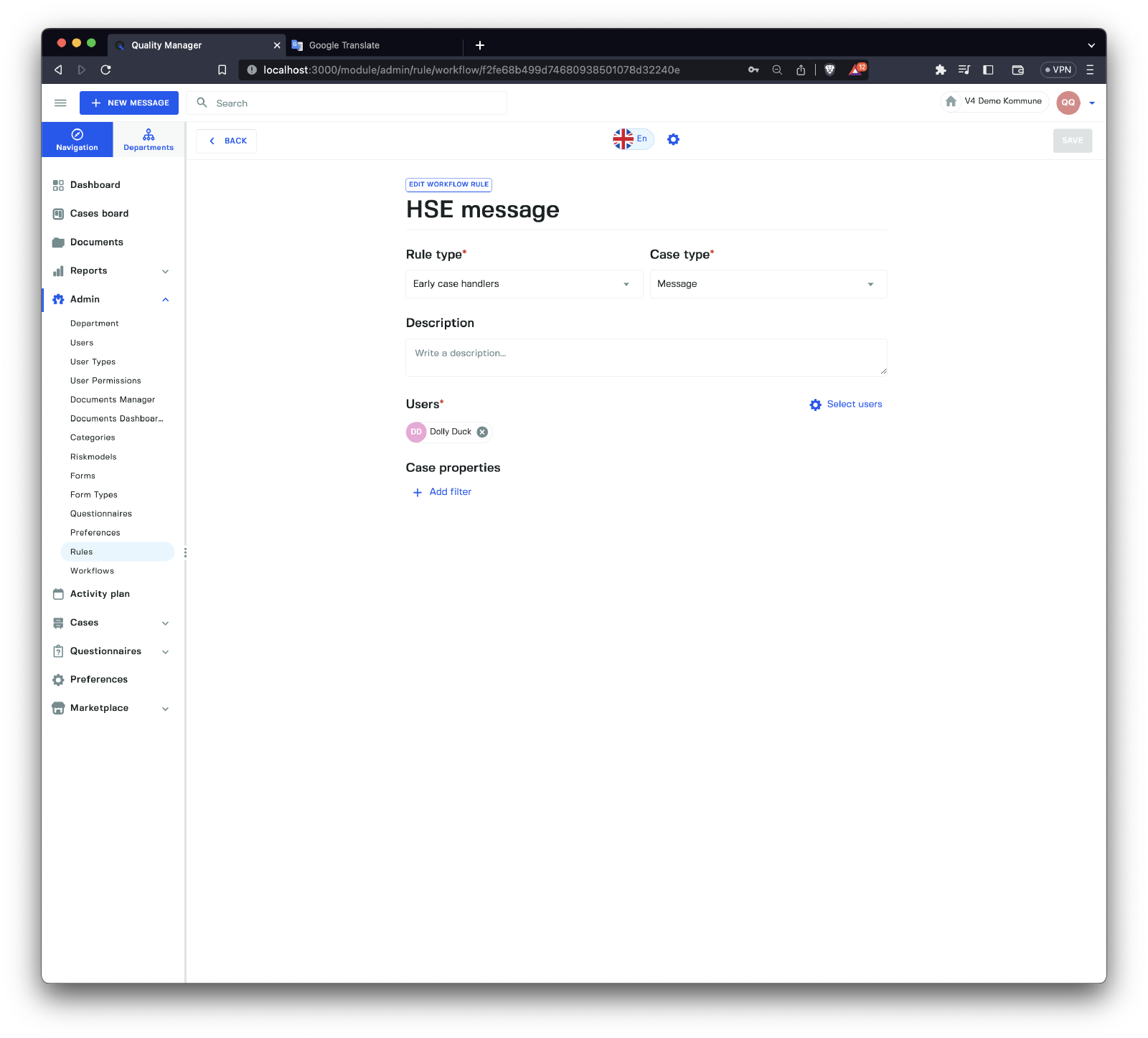
Create Workflow Rules
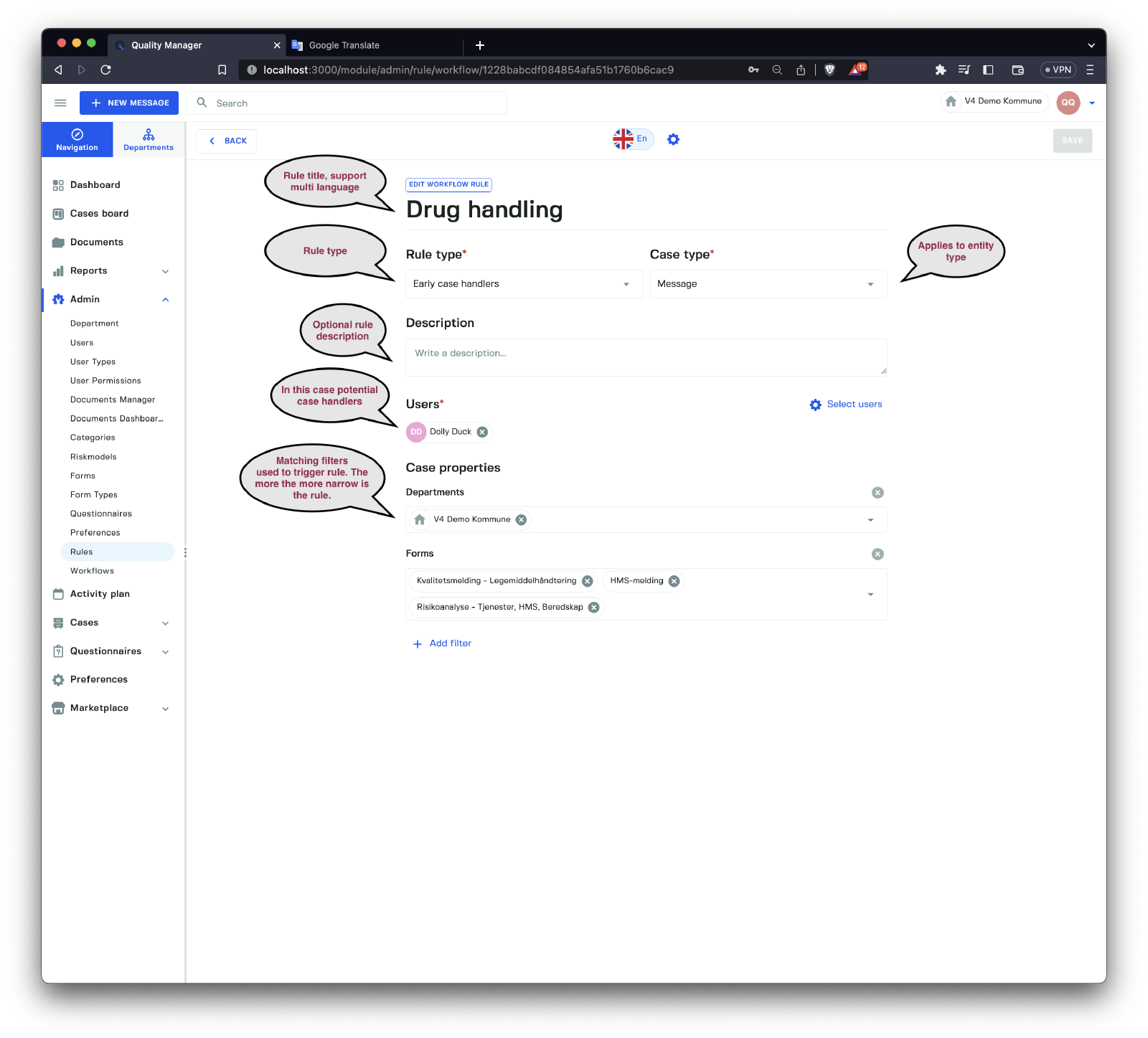
A Workflow rule is a rule that is taking into account during processing of a case. The rule categories available are.
| Rule Category | Description |
|---|---|
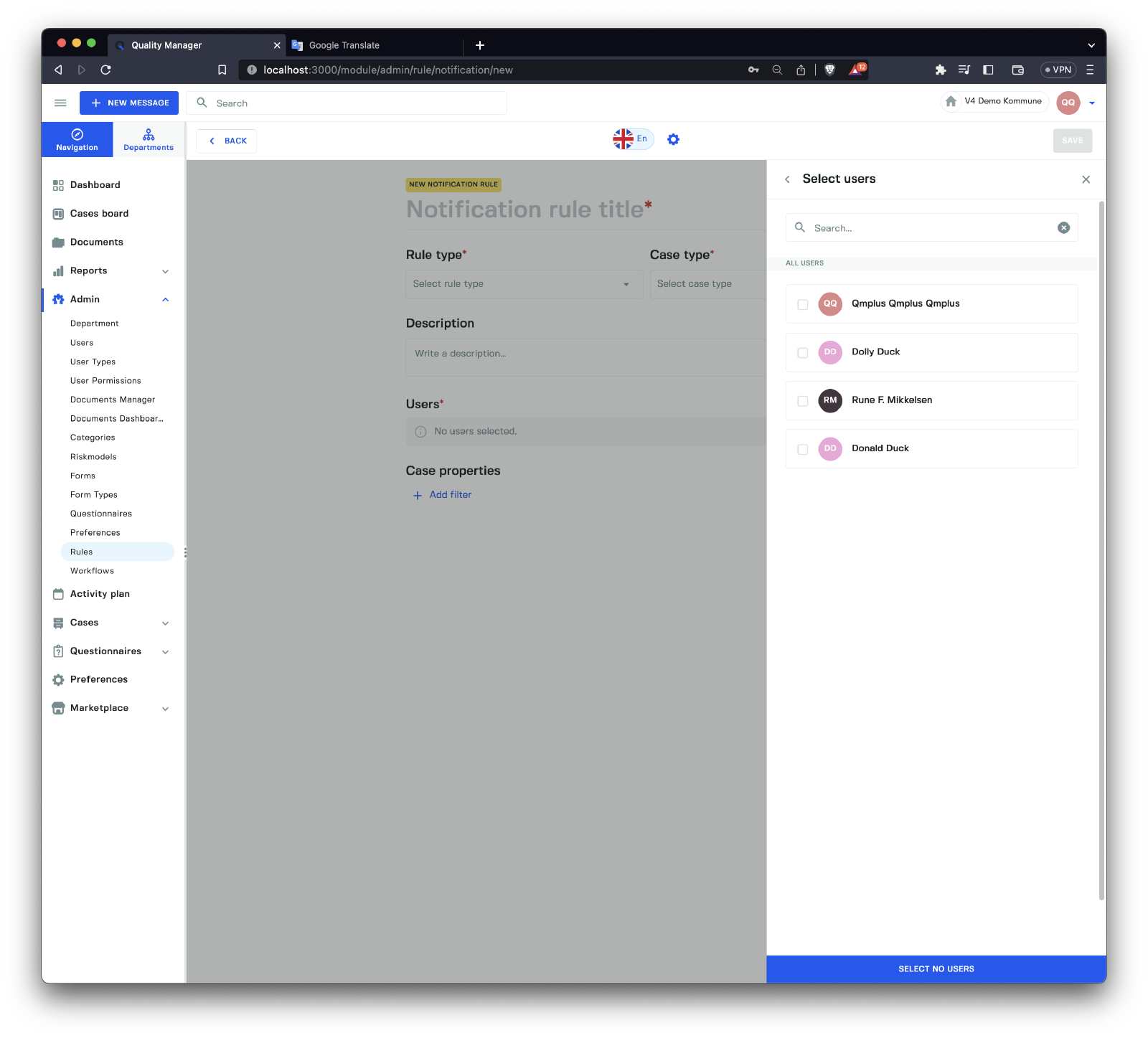
Approve Action | Lets you potential Approve Action casehandlers given a set of constrains. Matching users will be added to the list of potential approvers in actions that match the filters. |
Early case handlers | Users that will be used for early case handling if a workflow is enabled for early case handling and the rule matches. |
Extra case handlers | Additional case handlers for matching forms. |
Override case status when category selected | Override the Starting Case status depending on the selected category, This lets you for example automatically close tickets if a certain category is marked as closed. |
The possible case types are Message, Action, Document, Hearing and Audit.
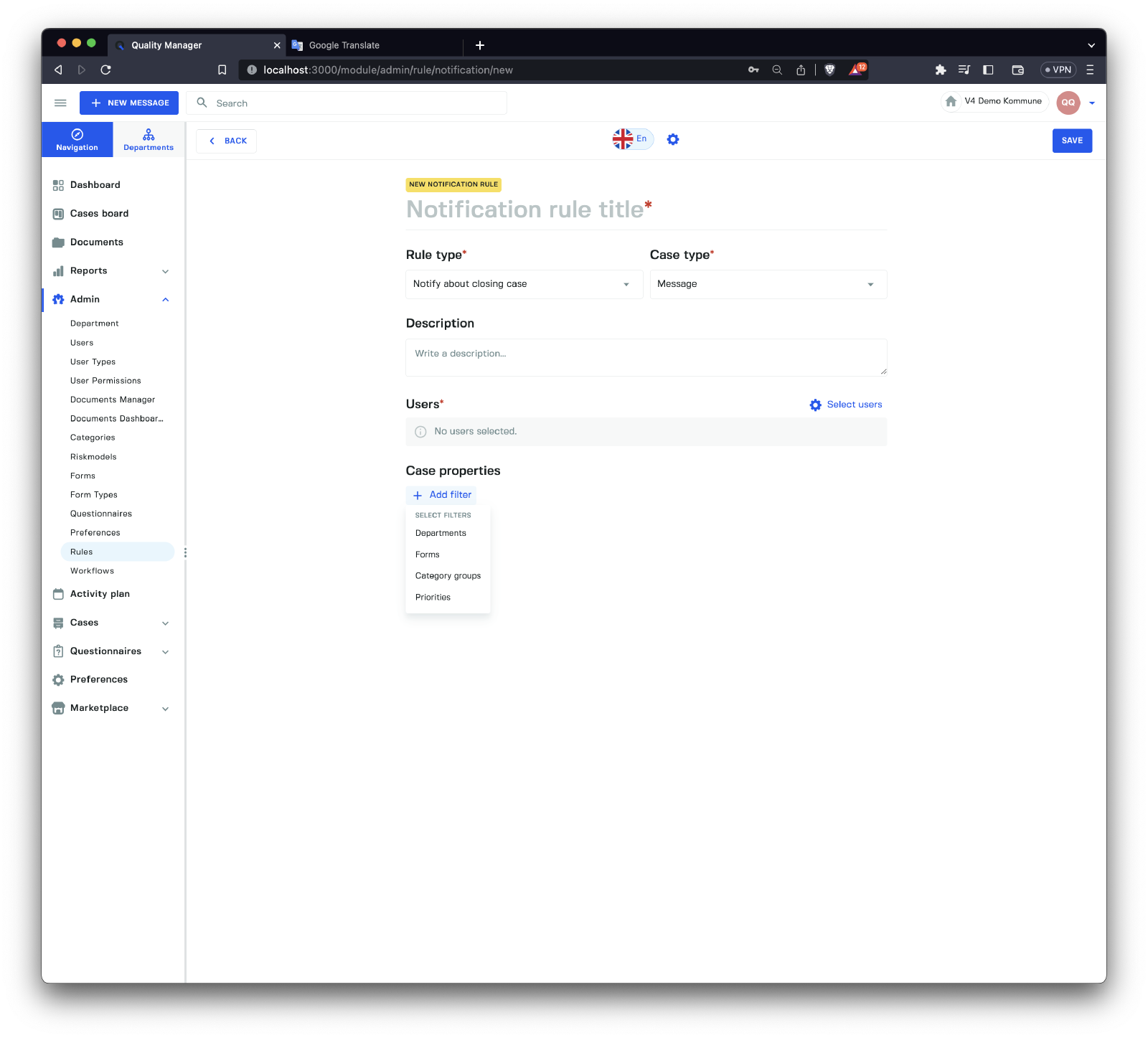
To match the rule the following filters are available.
The available filters will depend on the
Rule TypeandCase Typeselected.
| Filter Type | Description |
|---|---|
Departments | Filter by where entity is registered |
Forms | Filter by the form types |
Category groups | Filter by category groups |
Priorities | Filter by priorities |